


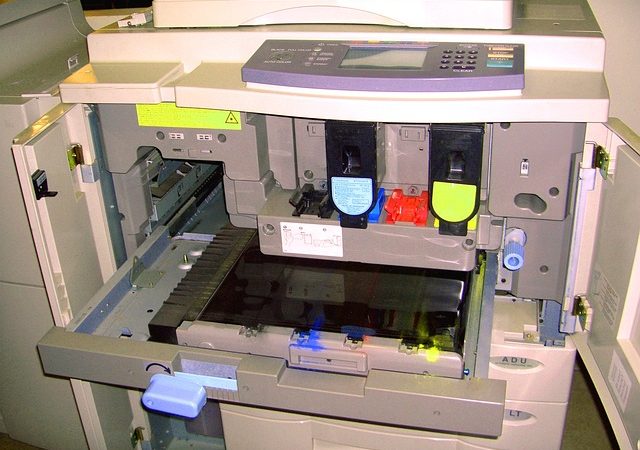
Certainly! Checking ink or toner levels is essential for maintaining print quality. Here are some methods for different printer types:
- HP Printers:
- Control Panel: Go to the printer’s control panel and look for icons like an ink drop (???? or ????), a cartridge, or an ink levels menu.
- HP Smart App: Open the HP Smart app on your computer or mobile device to view estimated supply levels.
- HP Printer Assistant (Windows): Search for your printer’s name, open HP Printer Assistant, and view estimated levels from the top menu bar.
- Easy Printer Manager (HP Laser printers): Check supplies information on Windows.
- HP Ink Tank and Smart Tank printers: Ensure ink levels are between the minimum and maximum fill lines.
- Other Brands:
- Control Panel: Navigate to printer settings or preferences.
- Spotlight Search (macOS): Search for “Printers & Scanners” and check supply levels.
- LCD Navigation (Some printers): Access machine info or parts life to find toner levels.
Remember, regular checks help you stay prepared! ????️????


Leave a Reply